Wefly GMA Audio Panel add-on For G1000
from
$269.00
Ex Tax: $269.00
Create unlimited custom product blocks and display them in accordions or tabs or open blocks. Each block can be assigned to all products at once or specific products according to advanced criteria.
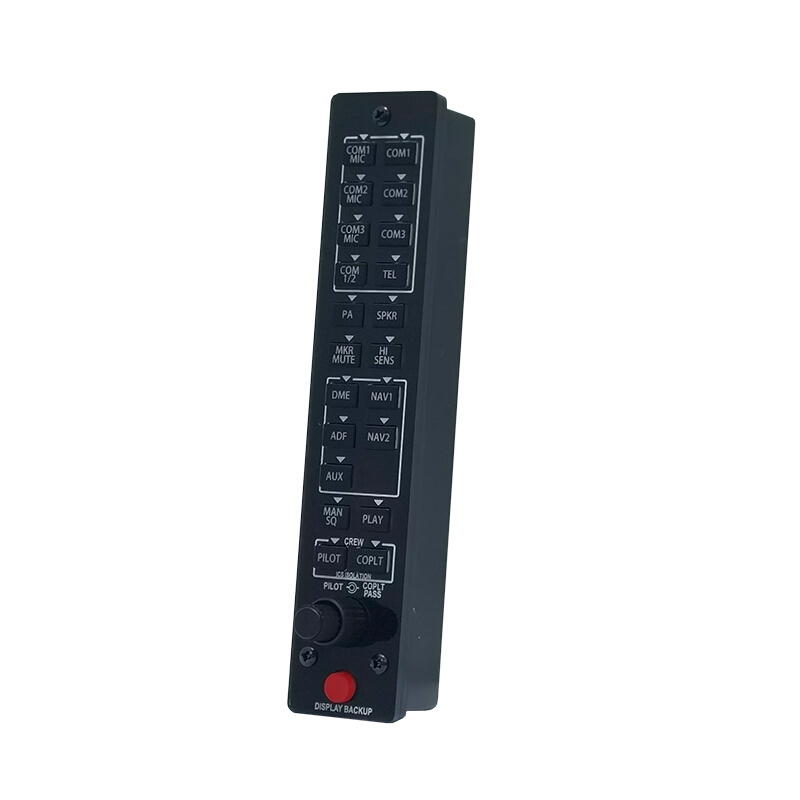
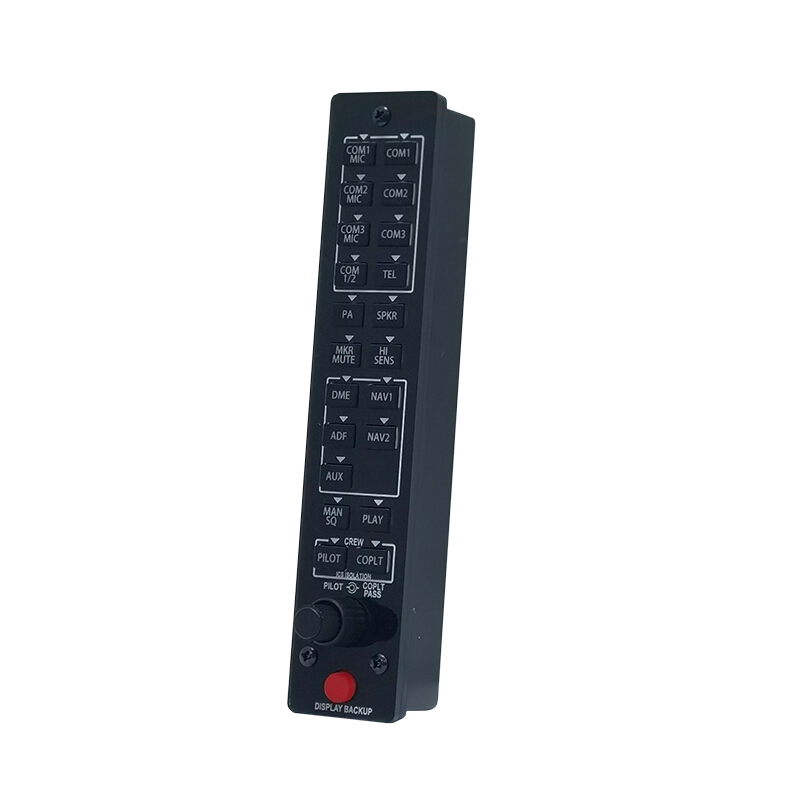
Wefly GMA Audio Panel Add-on gives you the option to change between COM1 and COM2 with LED indicator, as well as NAV1 and NAV2 for navigation, and MKR/MUTE for VOR sounds. Perfect compatibility with X-Plane v11/12 and MSFS 2020, limited support for FSX and Prepar3D v2, v3, v4, v5. Ultra-realistic backlit silicone rubber buttons. High-Quality tactile knobs. Backlit characters and symbols. Fully assembled and configured. The GMA Audio Panel can be easily mounted into an existing panel, or used with the desktop stand. *GMA Audio panel add-on can only be used by connecting to Wefly G1000 PFD. This package includes: GMA Audio Panel, cable for connection to Wefly G1000 PFD, desktop stand. The maximum dimensions of the unit are (without packaging): 4 × 20 × 6.5 cm. The unit is sent in a carton box: 6 × 28 × 10 cm. Approximate weight of the product without packaging: 0.4kg. Total gross weight:0.6kg.

Builder in Product TAB
NEW! Since Journal 3.2, the much improved T.A.B (Tabs Accordion Blocks) system supports the page builder inside the tab content. Unlimited Blocks, Tabs or Accordions with any HTML content or the builder interface (supporting custom rows/columns/modules) can be assigned to any individual product or to certain groups of products, like entire categories, brands, products with specific options, attributes, price range, etc.
You can indicate any criteria via the advanced product assignment mechanism and only those products matching your criteria will display the modules.
Also, any module can be selectively activated per device (desktop/tablet/phone), customer login status and other criteria. Imagine the possibilities.
Description
Wefly GMA Audio Panel Add-on gives you the option to change between COM1 and COM2 with LED indicator, as well as NAV1 and NAV2 for navigation, and MKR/MUTE for VOR sounds. Perfect compatibility with X-Plane v11/12 and MSFS 2020, limited support for FSX and Prepar3D v2, v3, v4, v5. Ultra-realistic backlit silicone rubber buttons. High-Quality tactile knobs. Backlit characters and symbols. Fully assembled and configured. The GMA Audio Panel can be easily mounted into an existing panel, or used with the desktop stand. *GMA Audio panel add-on can only be used by connecting to Wefly G1000 PFD. This package includes: GMA Audio Panel, cable for connection to Wefly G1000 PFD, desktop stand. The maximum dimensions of the unit are (without packaging): 4 × 20 × 6.5 cm. The unit is sent in a carton box: 6 × 28 × 10 cm. Approximate weight of the product without packaging: 0.4kg. Total gross weight:0.6kg.

Wefly GMA Audio Panel add-on For G1000
Wefly GMA Audio Panel Add-on gives you the option to change between COM1 and COM2 with LED indicator, as well as NAV1 and NAV2 for navigation, and MKR/MUTE for VOR sounds. Perfect compatibility with X-Plane v11/12 and MSFS 2020, limited support for FSX and Prepar3D v2, v3, v4, v5. Ultra-realistic backlit silicone rubber buttons. High-Quality tactile knobs. Backlit characters and symbols. Fully assembled and configured. The GMA Audio Panel can be easily mounted into an existing panel, or used with the desktop stand. *GMA Audio panel add-on can only be used by connecting to Wefly G1000 PFD. This package includes: GMA Audio Panel, cable for connection to Wefly G1000 PFD, desktop stand. The maximum dimensions of the unit are (without packaging): 4 × 20 × 6.5 cm. The unit is sent in a carton box: 6 × 28 × 10 cm. Approximate weight of the product without packaging: 0.4kg. Total gross weight:0.6kg.