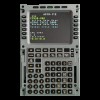
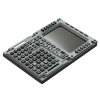
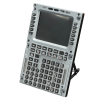
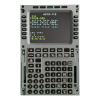
Wefly A320 MCDU
Create unlimited custom product blocks and display them in accordions or tabs or open blocks. Each block can be assigned to all products at once or specific products according to advanced criteria.
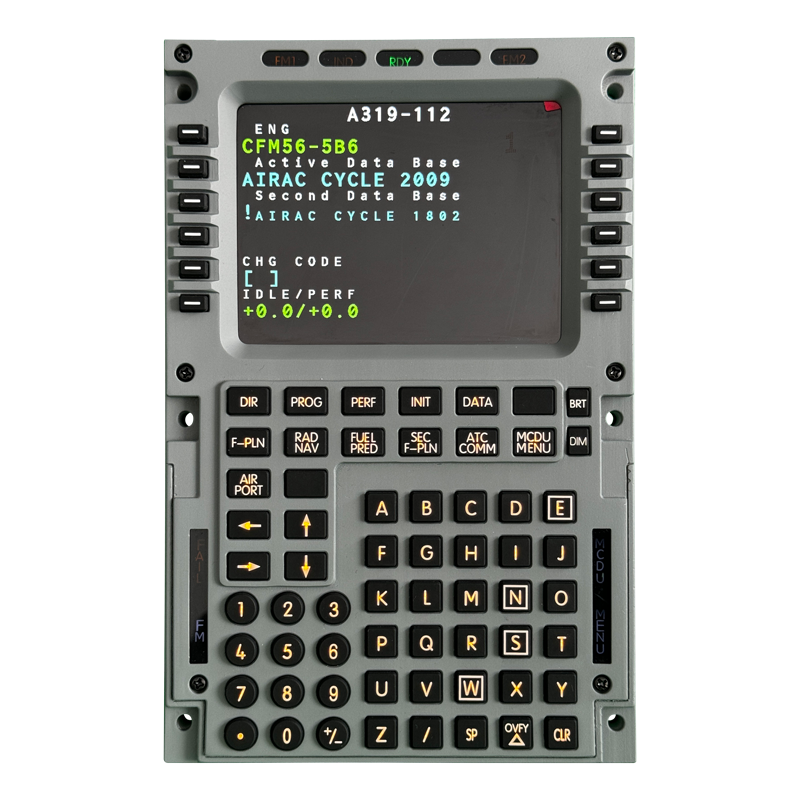
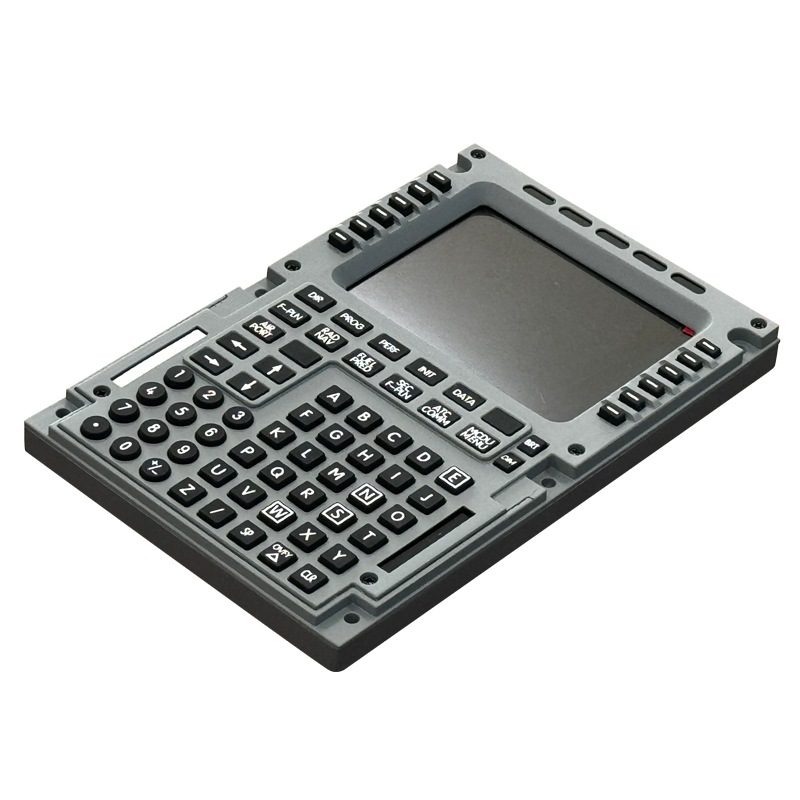
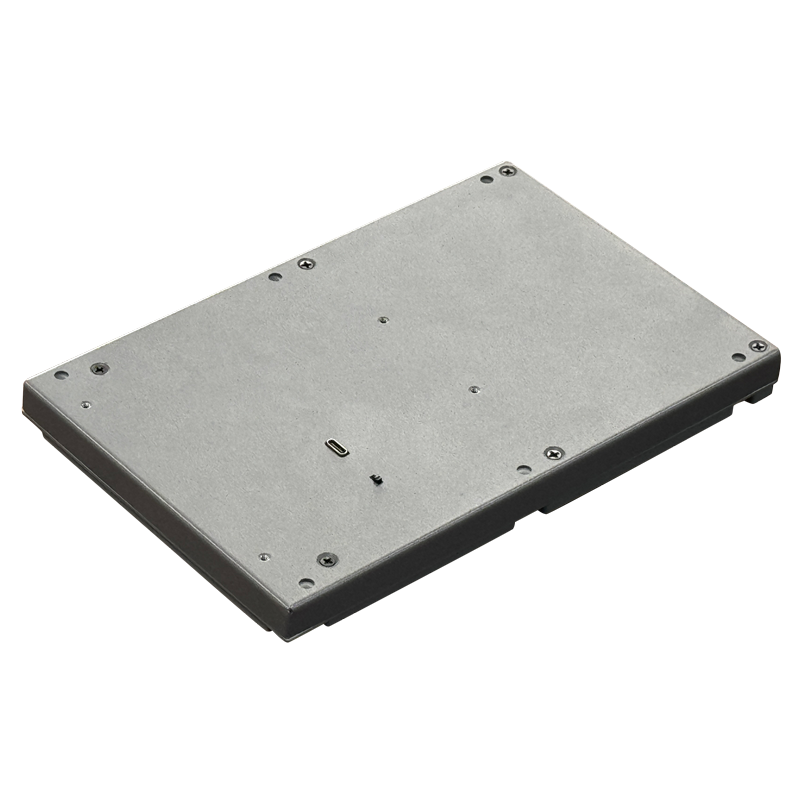
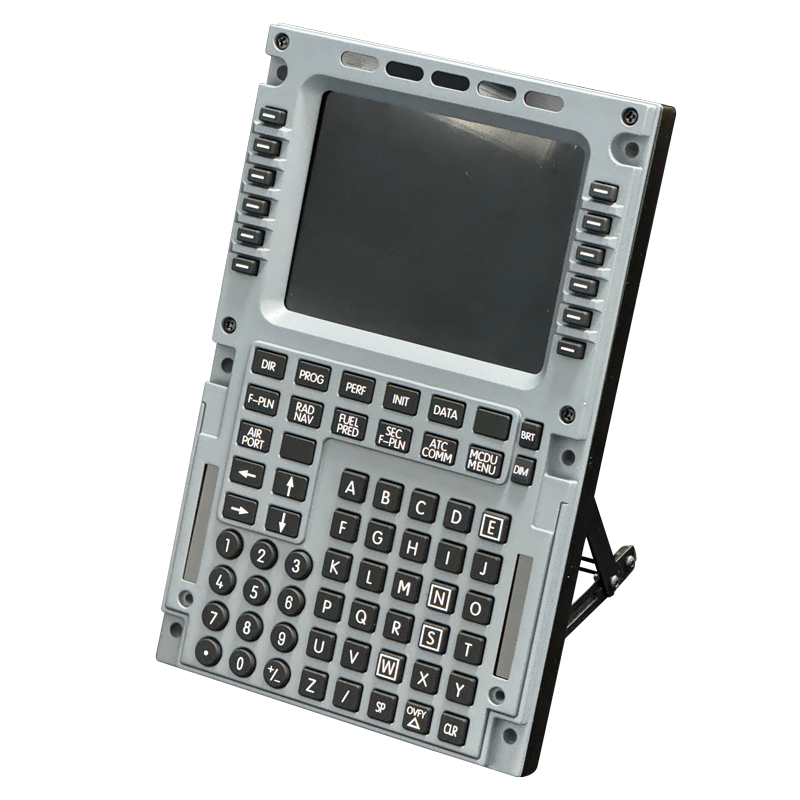
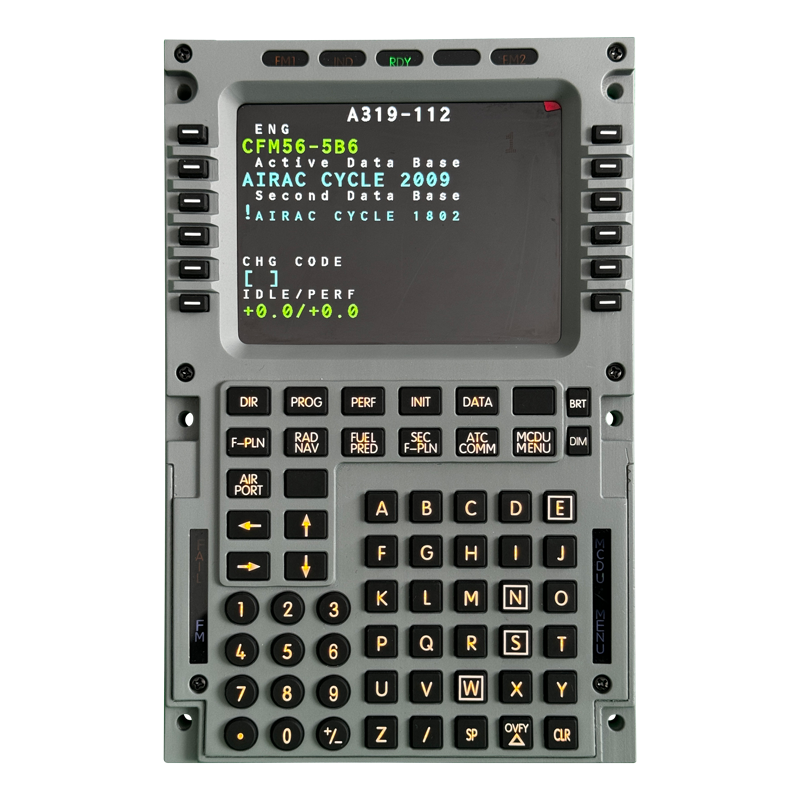
Wefly A320 MCDU Simulate the MCDU of Airbus A318, A319, A320, A321, A330, A340 Family aircraft. Perfect compatibility with X-Plane(Toliss A318/A319/A320/A321/A330/A340), MSFS 2020/MSFS2024(FBW A32NX, Fenix Sim A320 include A319 & A321 Expansion, FSLabs A321ceo). Ultra-realistic backlit silicone rubber buttons. Simple USB connection, no video interface required, no power adapter required. This package includes: A320 MCDU, USB Type-C cable, desktop stand. The maximum dimensions of the suite are (without packaging): 14.5 × 22.8 × 2.4 cm. The suite is sent in a carton box: 18 × 28 × 5 cm. Approximate weight of the product without packaging: 0.7 kg. Total gross weight: 1.1kg. Setup Guide: A320 1 Wefly A320 MCDU Setup Guide Wefly A320 MCDU Video

Builder in Product TAB
NEW! Since Journal 3.2, the much improved T.A.B (Tabs Accordion Blocks) system supports the page builder inside the tab content. Unlimited Blocks, Tabs or Accordions with any HTML content or the builder interface (supporting custom rows/columns/modules) can be assigned to any individual product or to certain groups of products, like entire categories, brands, products with specific options, attributes, price range, etc.
You can indicate any criteria via the advanced product assignment mechanism and only those products matching your criteria will display the modules.
Also, any module can be selectively activated per device (desktop/tablet/phone), customer login status and other criteria. Imagine the possibilities.
Description
Wefly A320 MCDU Simulate the MCDU of Airbus A318, A319, A320, A321, A330, A340 Family aircraft. Perfect compatibility with X-Plane(Toliss A318/A319/A320/A321/A330/A340), MSFS 2020/MSFS2024(FBW A32NX, Fenix Sim A320 include A319 & A321 Expansion, FSLabs A321ceo). Ultra-realistic backlit silicone rubber buttons. Simple USB connection, no video interface required, no power adapter required. This package includes: A320 MCDU, USB Type-C cable, desktop stand. The maximum dimensions of the suite are (without packaging): 14.5 × 22.8 × 2.4 cm. The suite is sent in a carton box: 18 × 28 × 5 cm. Approximate weight of the product without packaging: 0.7 kg. Total gross weight: 1.1kg. Setup Guide: A320 1 Wefly A320 MCDU Setup Guide Wefly A320 MCDU Video
Wefly A320 MCDU
Wefly A320 MCDU Simulate the MCDU of Airbus A318, A319, A320, A321, A330, A340 Family aircraft. Perfect compatibility with X-Plane(Toliss A318/A319/A320/A321/A330/A340), MSFS 2020/MSFS2024(FBW A32NX, Fenix Sim A320 include A319 & A321 Expansion, FSLabs A321ceo). Ultra-realistic backlit silicone rubber buttons. Simple USB connection, no video interface required, no power adapter required. This package includes: A320 MCDU, USB Type-C cable, desktop stand. The maximum dimensions of the suite are (without packaging): 14.5 × 22.8 × 2.4 cm. The suite is sent in a carton box: 18 × 28 × 5 cm. Approximate weight of the product without packaging: 0.7 kg. Total gross weight: 1.1kg. Setup Guide: A320 1 Wefly A320 MCDU Setup Guide Wefly A320 MCDU Video